
QBO how-to
How to Set Up QuickBooks Online for Rental Properties (Class Tracking, Step by Step)
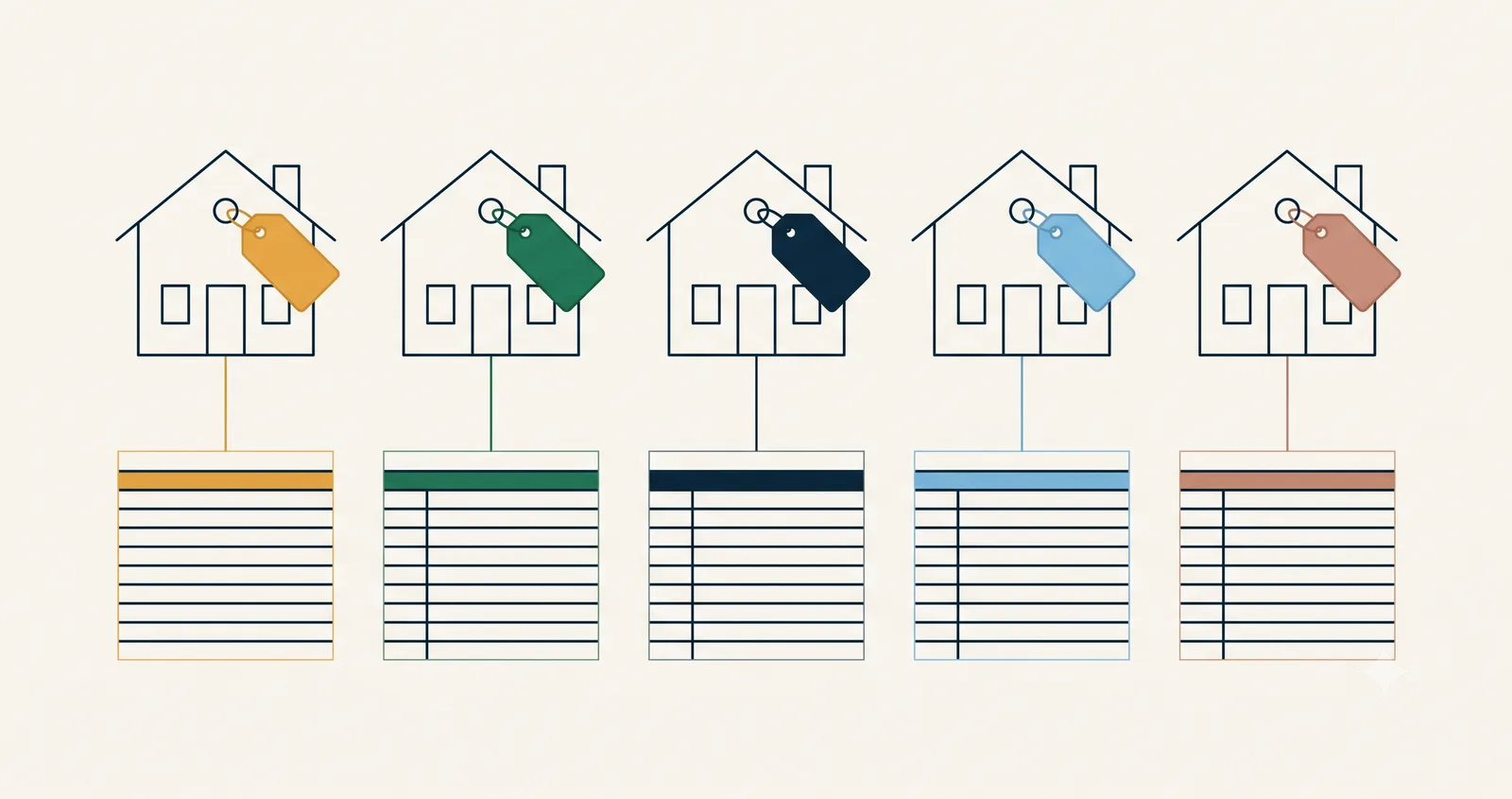
If you own more than one rental and your QuickBooks P&L shows one blended number, you’re flying blind. One property might be carrying another’s losses and you’d never know. The fix is class tracking. It’s built into QBO, and it takes about an hour to set up right.
Here’s the exact process we use when we onboard rental clients.
Step 1: Turn on class tracking
The setting is buried where most investors never look:
- Click the gear icon, then Account and settings
- Open the Advanced tab
- Find Categories and turn on Track classes
- Set “Assign classes” to One to each row in transaction, not “one to entire transaction”
That last choice matters more than it looks. One Home Depot bill often covers materials for two properties. Row-level classes let you split it correctly instead of dumping the whole bill on one door.
While you’re in there, turn on the warning for transactions saved without a class. Unclassed transactions are how per-property reporting falls apart.
Step 2: Create one class per property
Gear icon, All lists, Classes. Create a class for each property. Two rules from a few hundred cleanups:
- Name by address, short and sortable. “212 Vine St” beats “Vine Street Duplex (the one Mike found).” You’ll be reading these in dropdowns for years.
- Multi-unit properties get sub-classes. Parent: “212 Vine St.” Sub-classes: “212 Vine St:Unit A” and “212 Vine St:Unit B.” Report at either level.
Don’t create classes for anything else. Not repair categories, not tenants, not years. Classes answer one question: which property does this dollar belong to? Everything else is what your chart of accounts is for.
Step 3: Class every transaction. No exceptions
This is the discipline that separates a real per-property P&L from a guess:
- Rent income gets classed to its property. Working off a PM statement? Each line gets classed as you enter it.
- Repairs, utilities, insurance, taxes get classed to the property they serve.
- Mortgage payments get split: interest expense classed to the property, principal to the loan liability.
- Portfolio-level costs (bookkeeping, LLC fees, software) go to one “Overhead” class instead of sitting blank.
Every transaction gets a class. The moment “I’ll fix it later” enters the workflow, your reports stop being trustworthy. And cleanup always costs more than discipline.
Step 4: Run the report that makes it worth it
Reports, then Profit and Loss by Class. Set the date range and you’re looking at a column per property. Rent, expenses, and net for each door, side by side.
What to look for the first time:
- A door running negative that the blended number was hiding
- An “unclassified” column. That’s your discipline leak. Open each transaction and fix it.
- Repair-heavy properties. One big month is a story. Six is a pattern.
Lenders love this report. Handing over a per-property P&L at refi time, instead of a shoebox and an apology, is the difference between a same-day send and a two-week rebuild.
What classes can’t fix
Class tracking tells you where a dollar went. It doesn’t fix these:
| Problem | What actually fixes it |
|---|---|
| Security deposits booked as income | Liability account, tracked per tenant |
| CapEx expensed as repairs | Capitalization policy, applied consistently |
| LLCs paying each other’s bills | Due-to/due-from accounts, reconciled monthly |
| Escrow buried in the mortgage payment | Escrow broken out on the balance sheet |
Class tracking plus those four habits covers most of what a rental portfolio needs from bookkeeping. It’s also exactly the setup we install and run for clients, reconciled by the 10th every month, if you’d rather own rentals than run reports.
FAQ
Do I need QuickBooks Online Plus for class tracking?
Yes. Class tracking requires QBO Plus or Advanced. Simple Start and Essentials don’t have it. For a rental portfolio, Plus is the minimum.
Should I use classes or locations for properties?
Either works. We use classes for properties because classes attach to line items, and that matters when one bill covers multiple properties. Some setups use locations for entities and classes for properties. That combo scales well across LLCs.
What about one property with multiple units?
Sub-classes. Parent class for the property, sub-class per unit. You can report at either level. Just pick a naming convention and stick to it.